 VibeVault
01
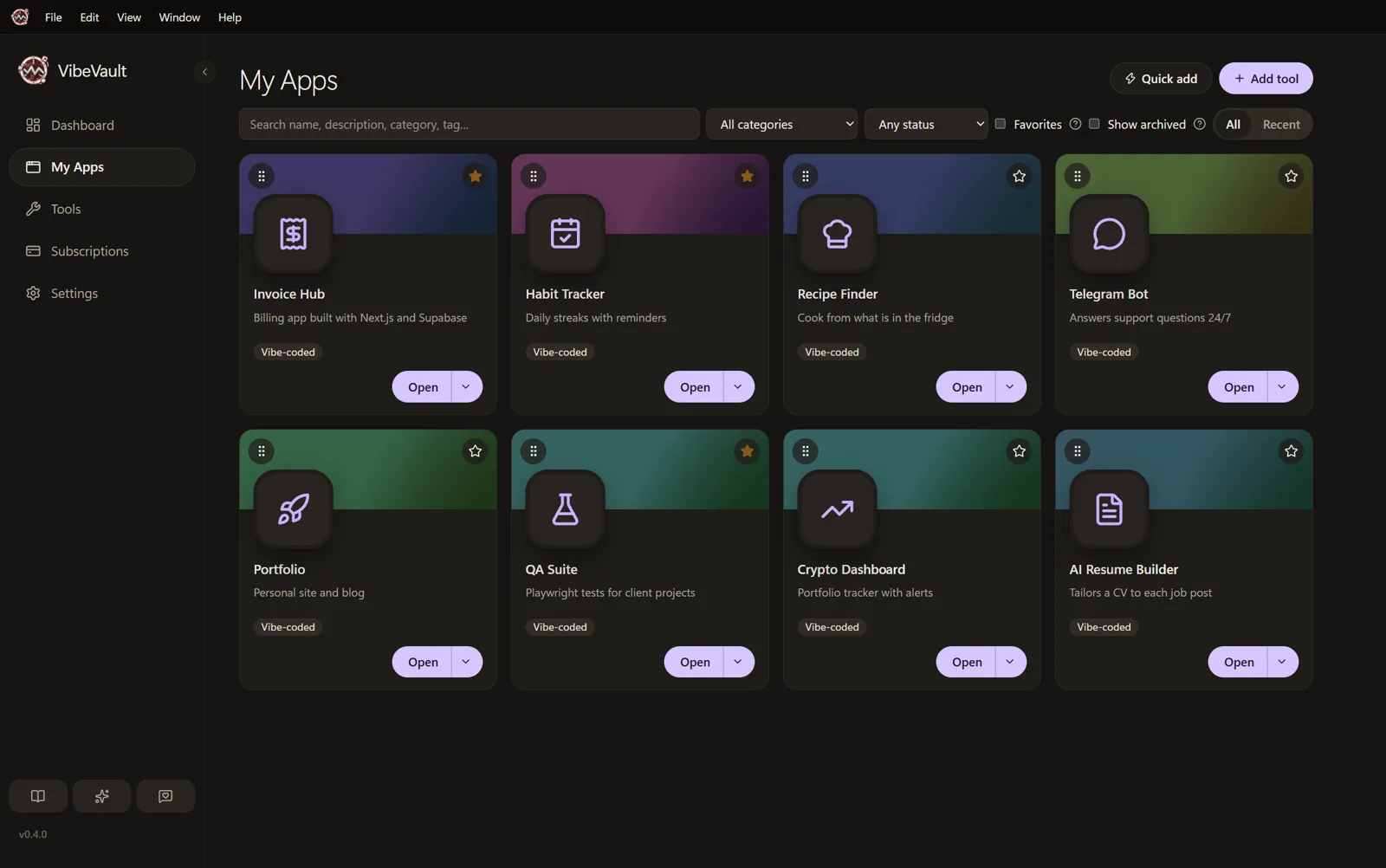
My AppsThe things you built.
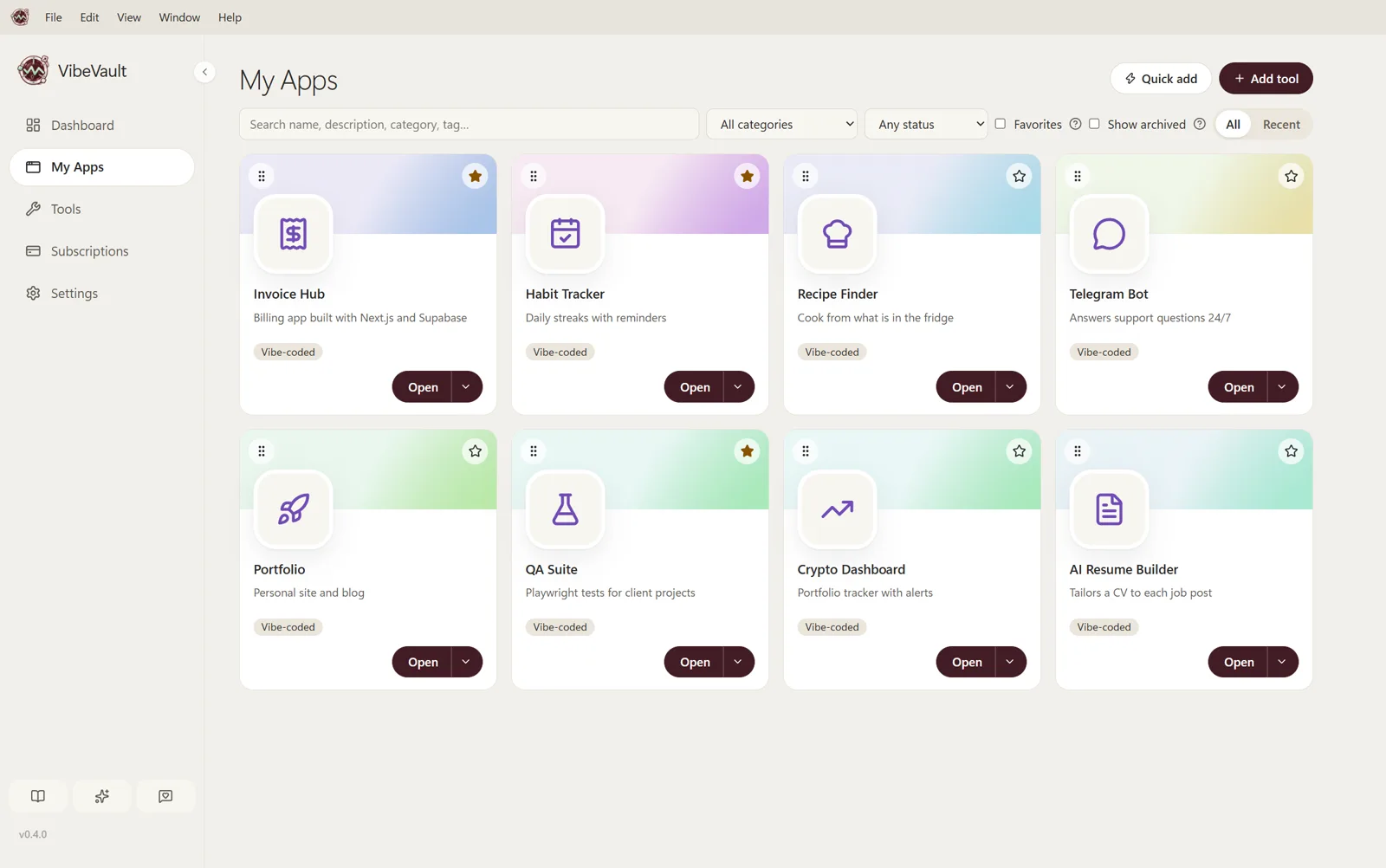
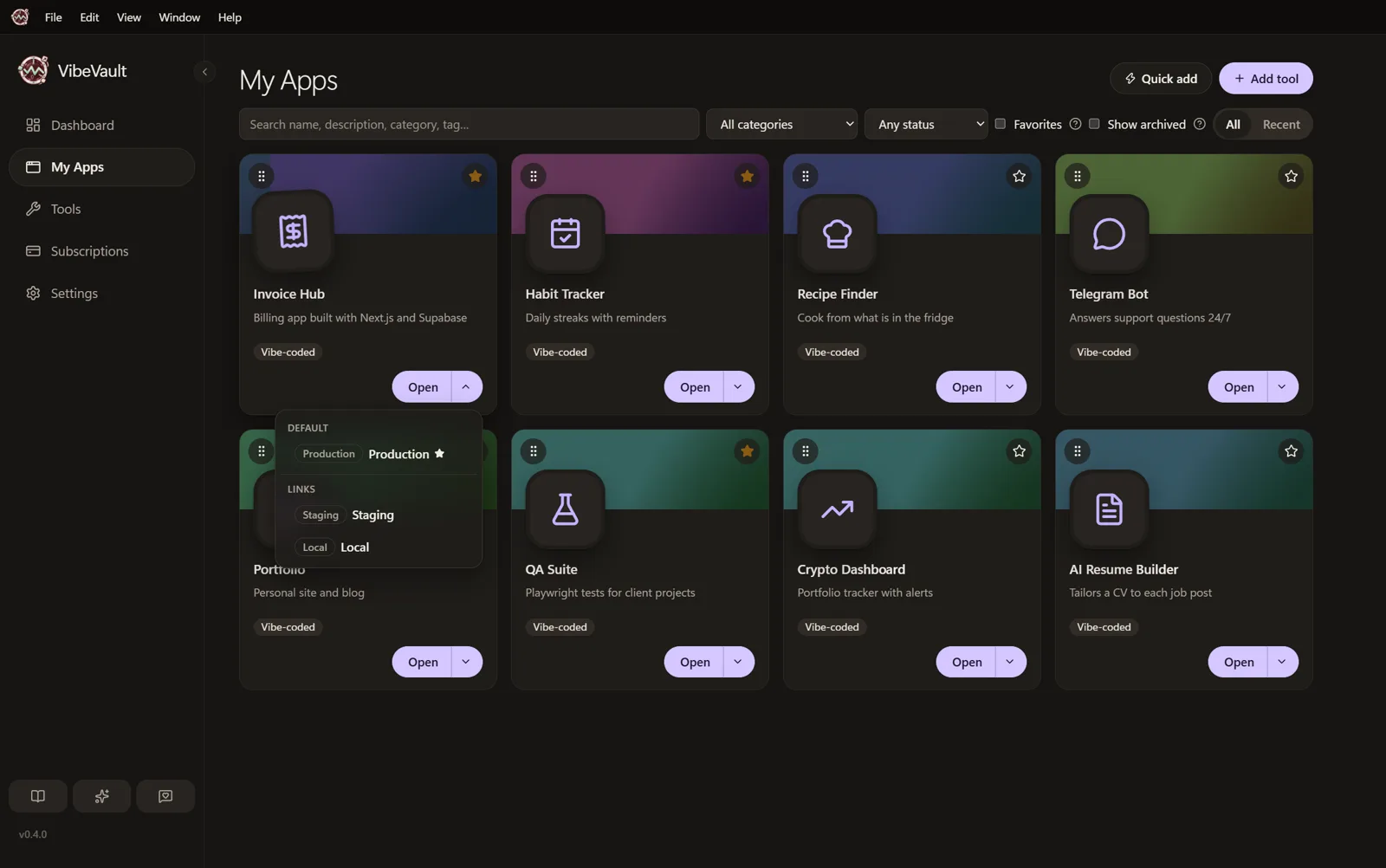
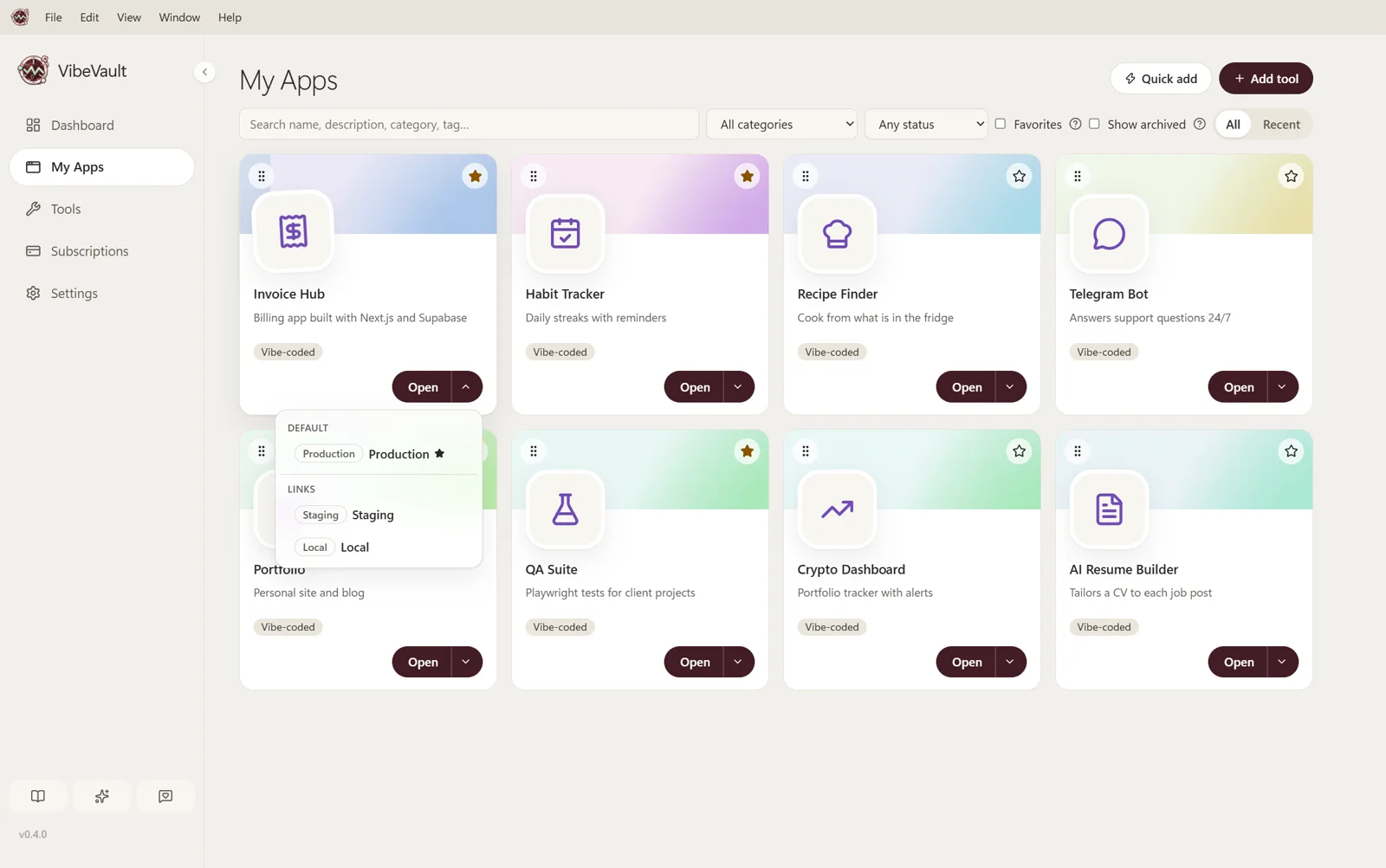
Your vibe-coded projects, from Invoice Hub to Habit Tracker. Keep Production, Staging and Local links together. Launch profiles start a project and its servers with one click.
Built by you. Ready to open.
VibeVault keeps your own apps and everyday software one click away, and shows exactly what your AI subscriptions cost, month by month. Everything stays on your computer.
Version 0.5.0 · Windows 10 and 11 · Free
How your data is handled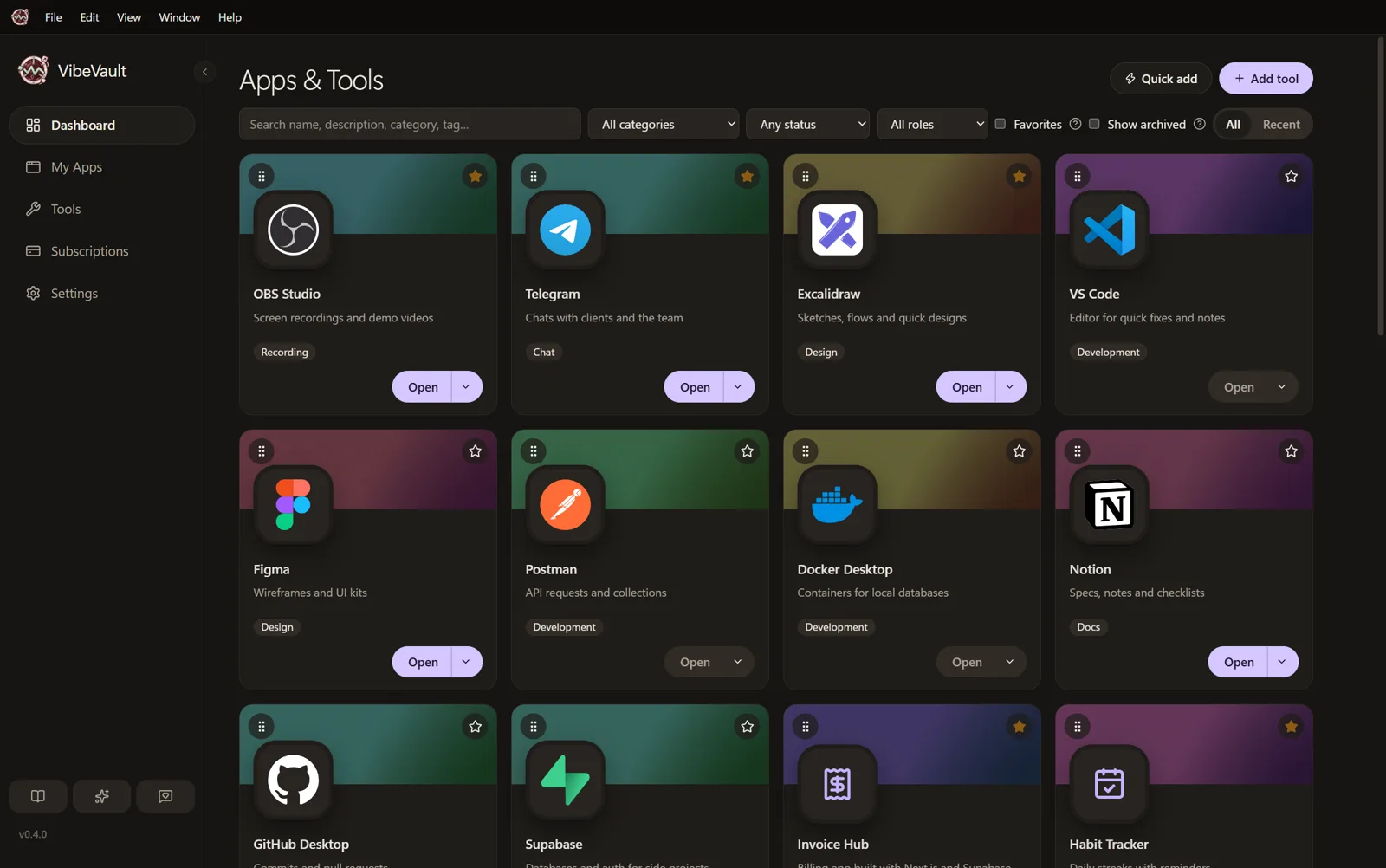
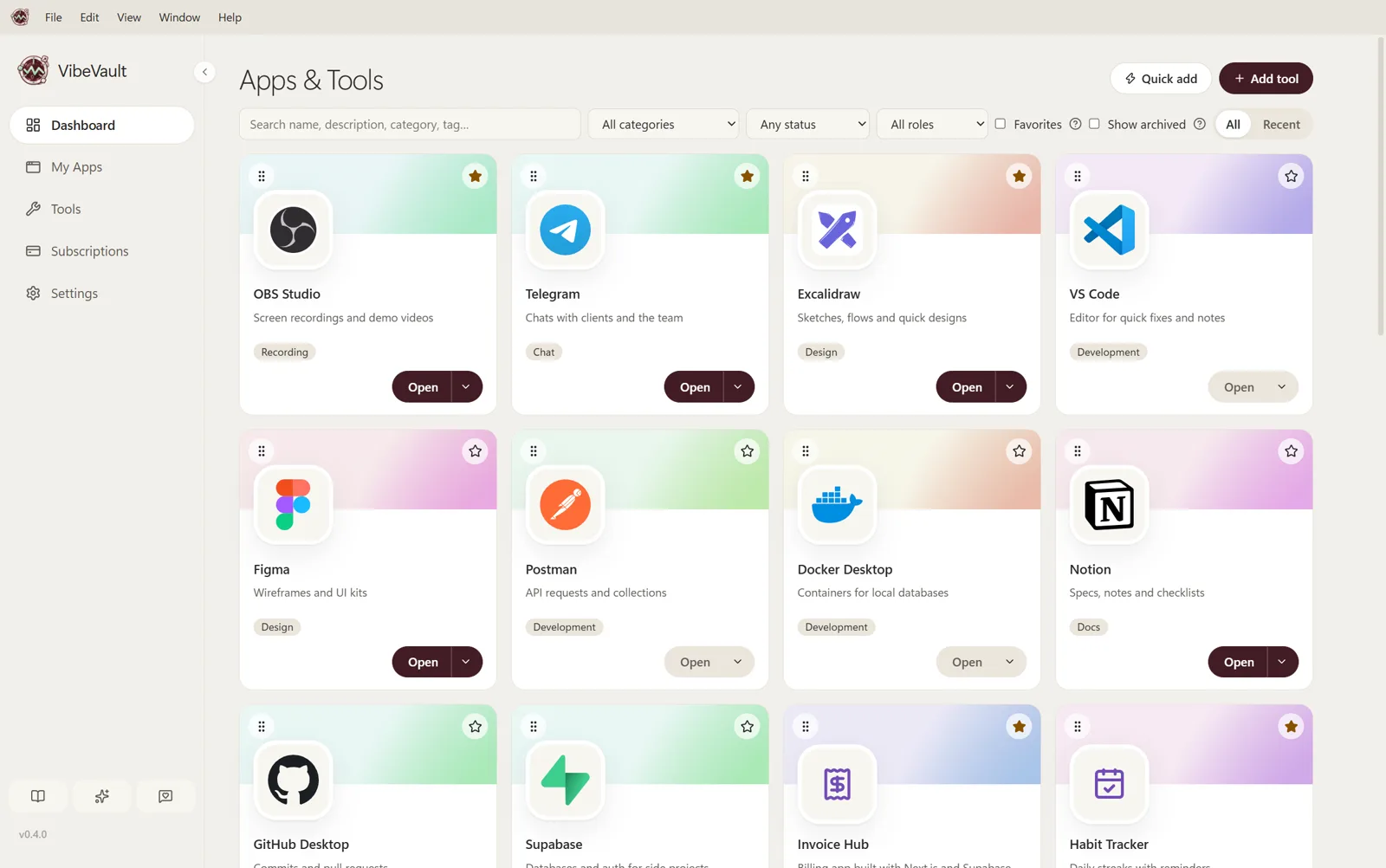
Keep your own apps, staging links, local servers and launch profiles together. Open your everyday tools. Track your AI subscriptions, with renewal reminders, spending trends and optional encrypted backups.
Your apps, your everyday software and your AI plans. Each in its own place, all in one app.
Your vibe-coded projects, from Invoice Hub to Habit Tracker. Keep Production, Staging and Local links together. Launch profiles start a project and its servers with one click.
OBS, Figma, Postman, Docker, Notion and the rest of your everyday software. One click away, with favourites, categories, tags and search.
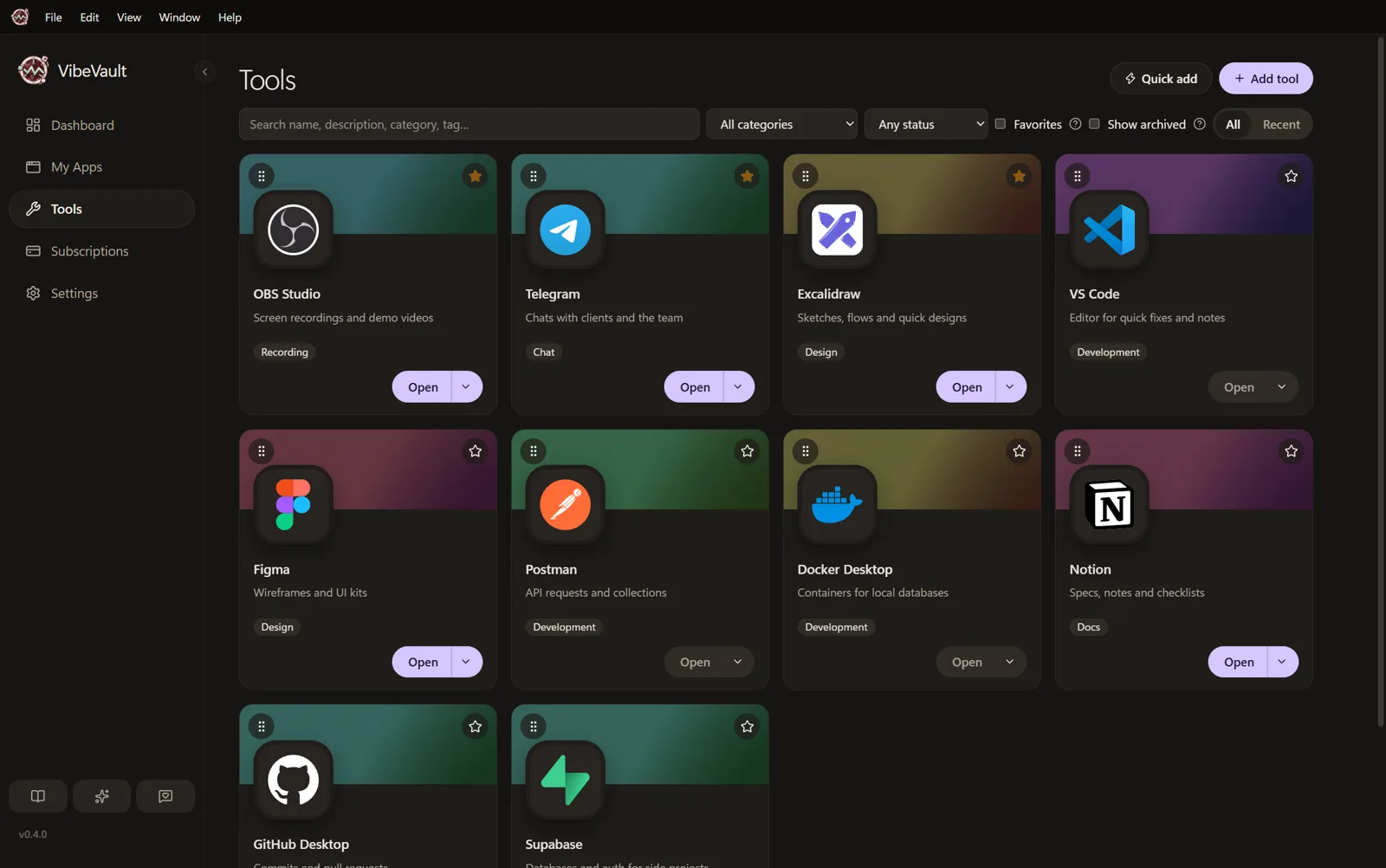
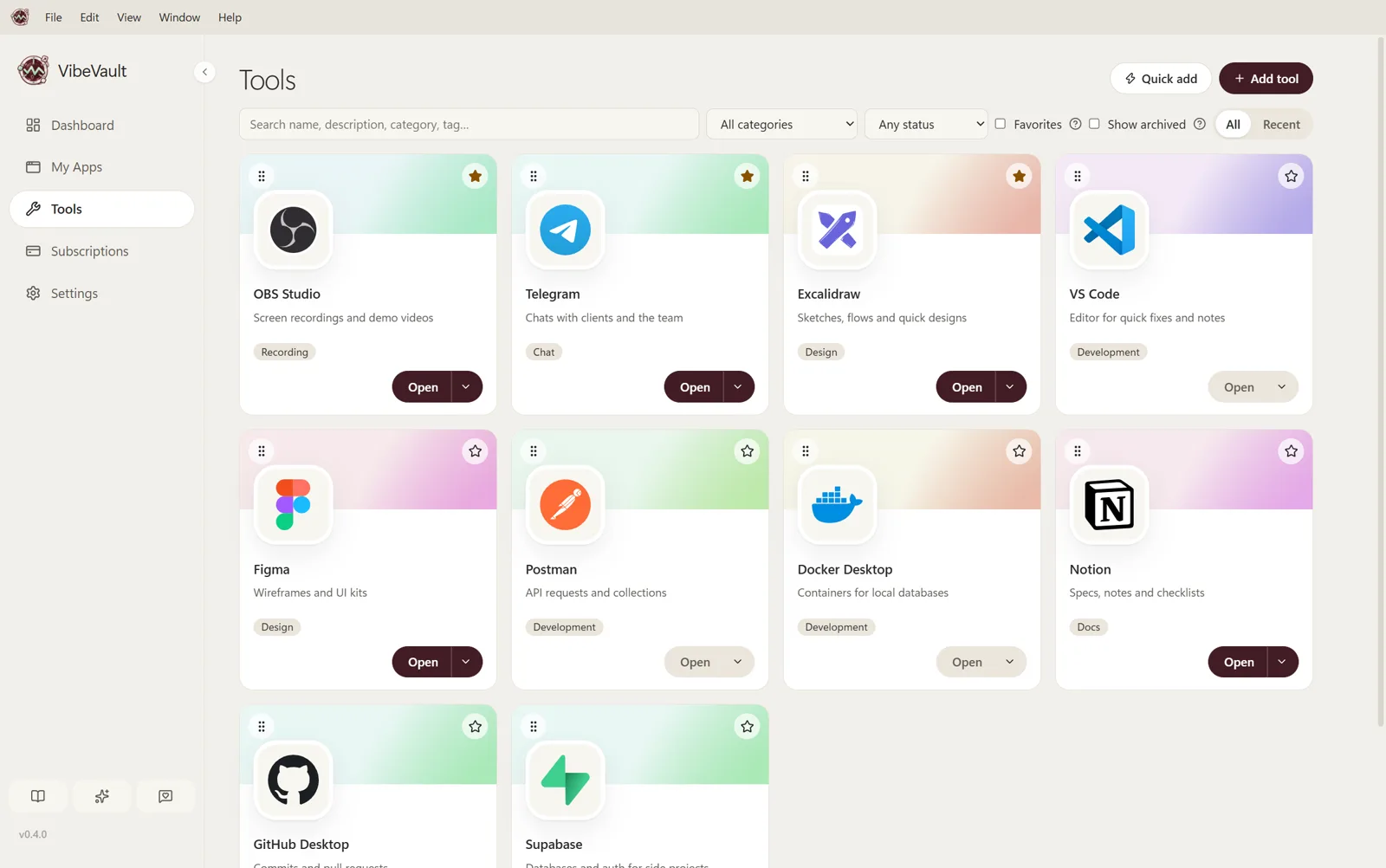
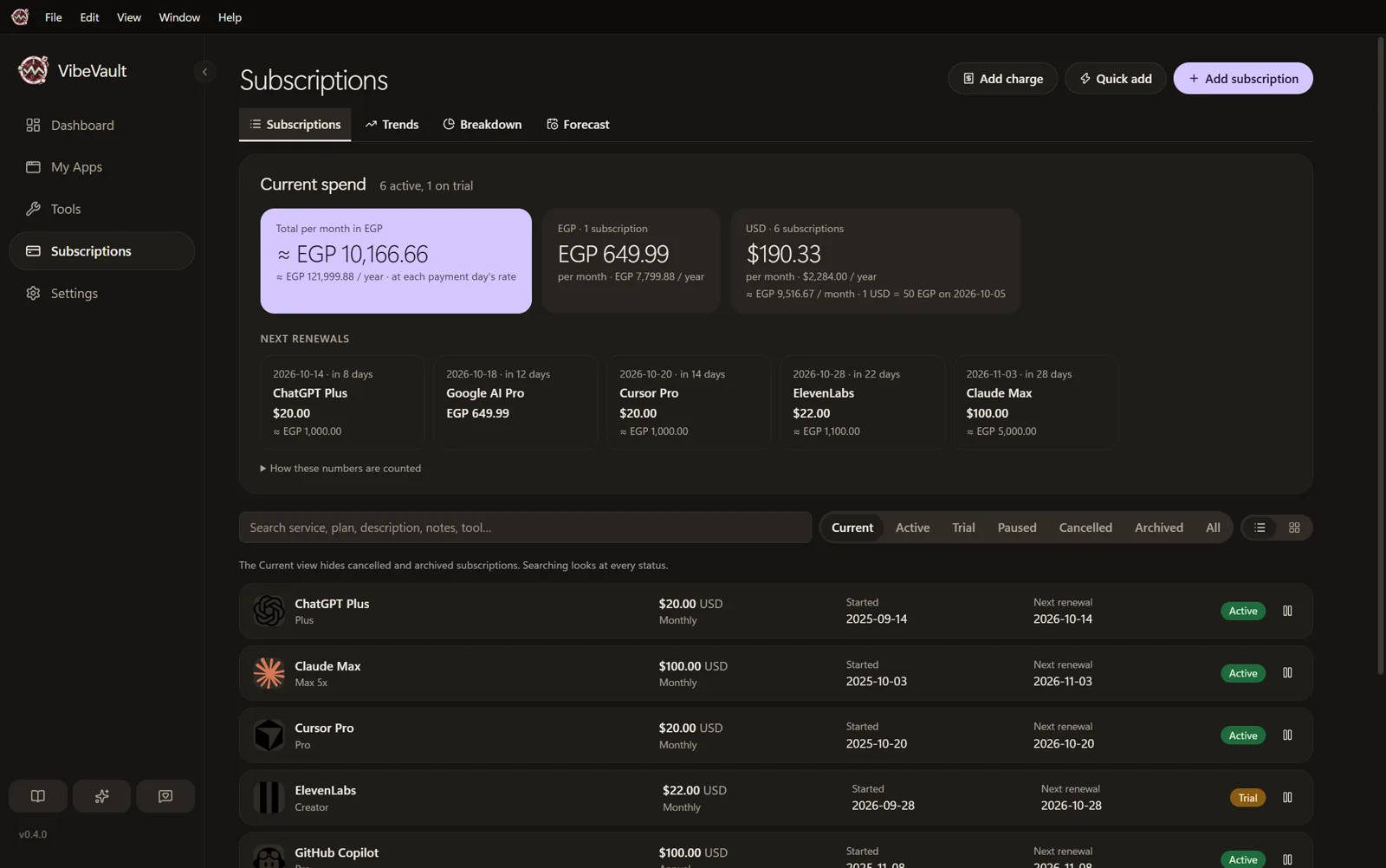
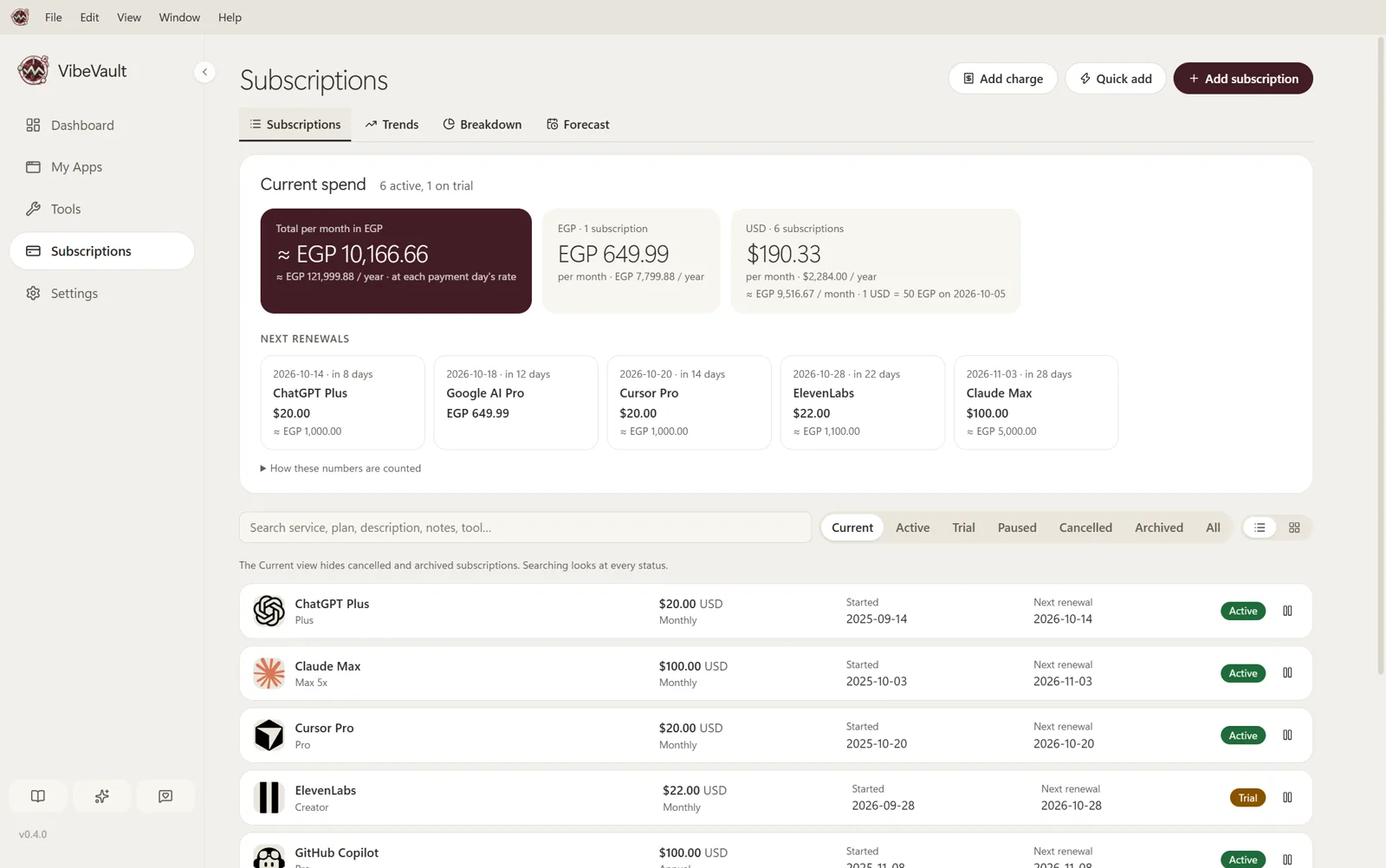
Track plans like ChatGPT Plus, Claude Max and Cursor Pro. See their prices and next renewals, record payments, and get reminders before anything renews.
Three steps. A few minutes, and everything you use has a home.
Give your own projects and everyday software a place to live.
Less searching, fewer tabs. Get straight to what you came to build.
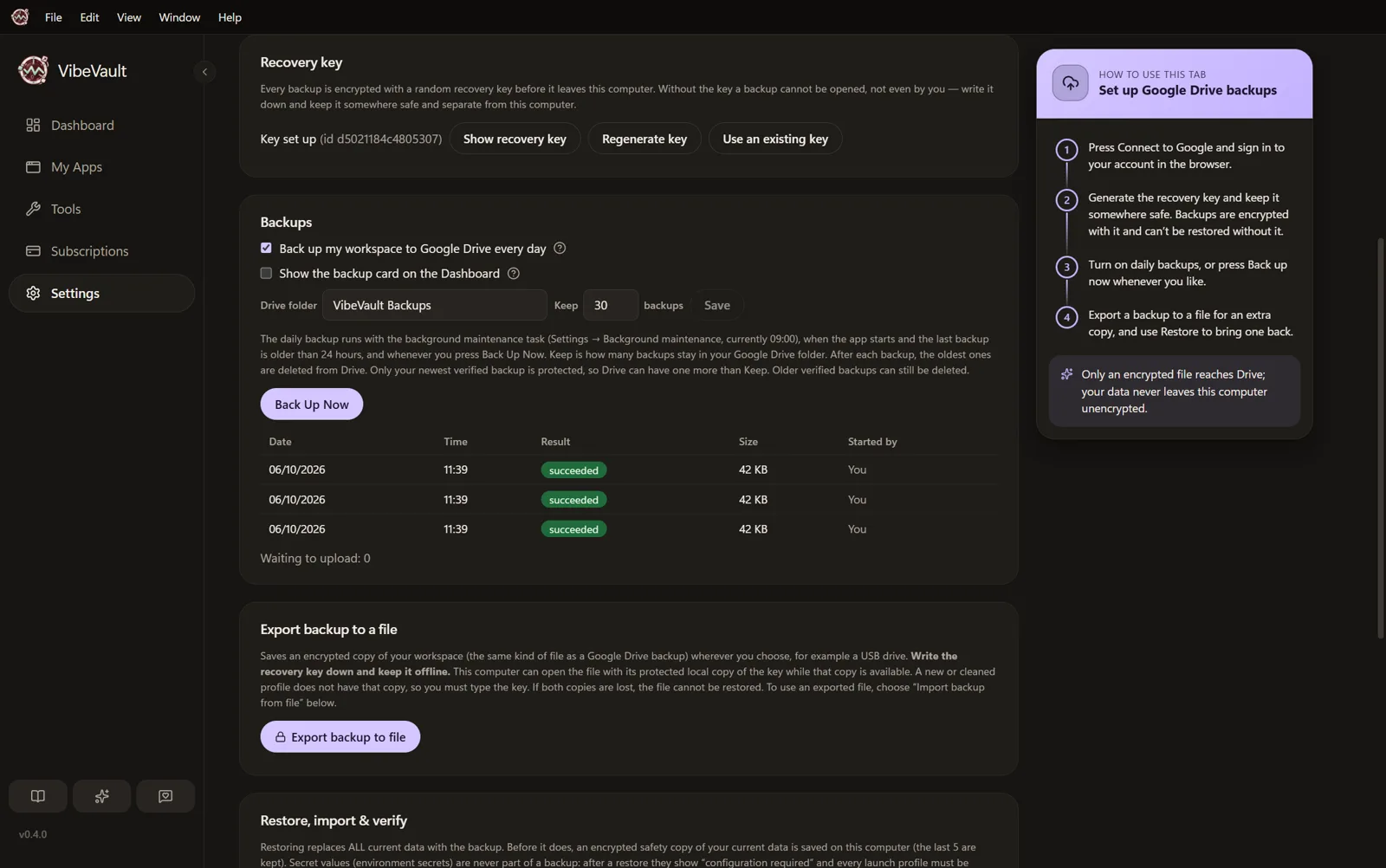
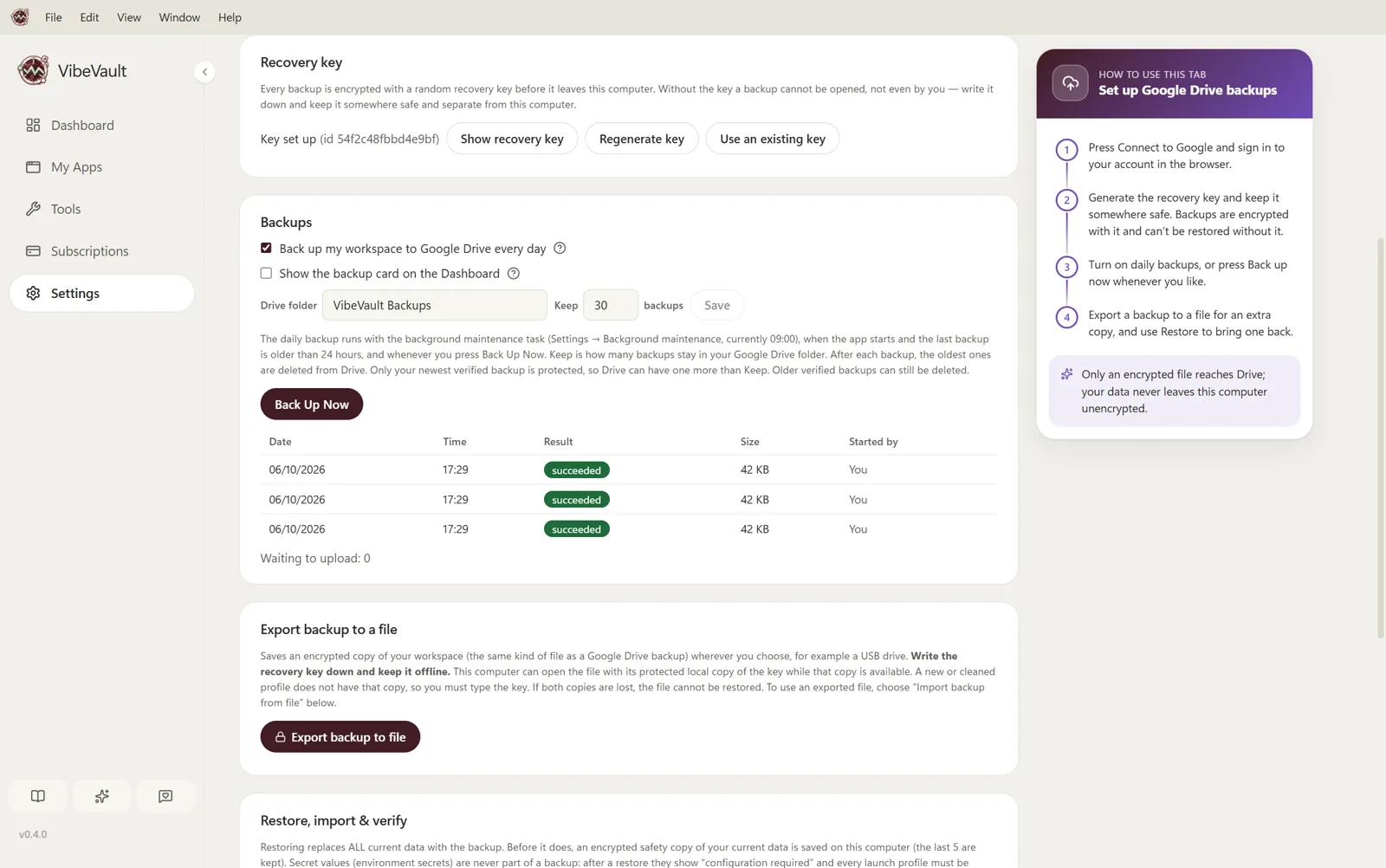
If you want a backup, encrypt it with a recovery key only you hold.
A monthly plan here. An annual renewal there. API credits on top. Put every payment in one place, see where your money goes, and know what’s coming next.
Example workspace
See how much you pay each month, in your own currency. Every payment is converted at that day's exchange rate.
Which plan takes the biggest share.
What the next 12 months will cost, renewals included.
Price changes, payments and pay-as-you-go charges like API credits, per subscription.
Your workspace is personal.
We think it should stay that way.
Backups are optional. When you turn them on, VibeVault asks Google for the drive.file permission only: it can see and change only the files it creates itself (the encrypted backup files in its own folder), never your other Drive files. Backups are encrypted on your computer before upload, so Google cannot read them either. Details are in the Privacy Policy.
Your next idea deserves a clear workspace.
Download for WindowsVersion 0.5.0 · Windows 10 and 11 · Free